Awesome Slides
Slides with video & voiceover
@Awesome Slides Create a 7-day itinerary for Iceland

@Awesome Slides Change the cover to a night icy sea with aurora.

@Awesome Slides Create slides from my uploaded document

@Awesome Slides Create slides from this page https://www.ohmusictheory.com

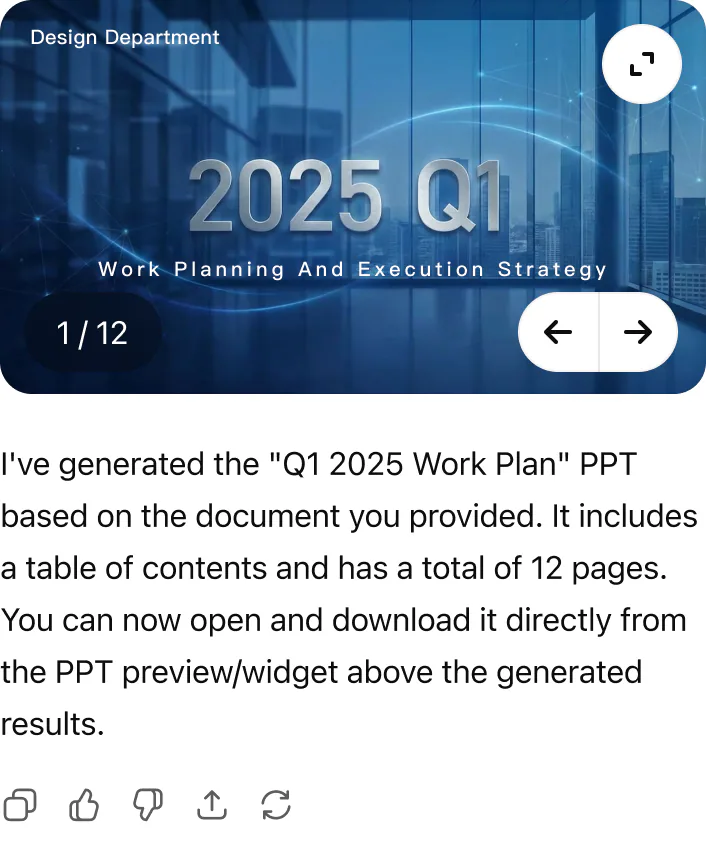
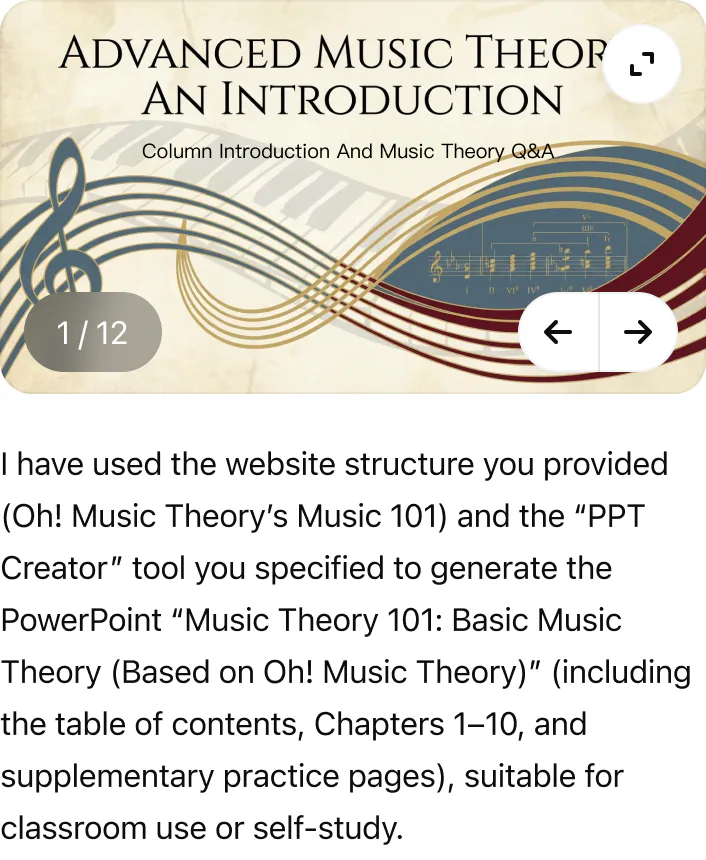
One-stop AI slide app: create, edit, and export slides as videos with voice-overs, all in one place. Quickly turn any topic, text, PDF, or URL into a professionally designed PowerPoint presentation. With AI-powered content generation, you can edit every detail through conversation and export your work as an editable PPTX or a video with voiceover.
Key Features
- Multi-source input: Create presentations from a simple topic, pasted text, an uploaded PDF, or a web URL.
- Automated slide design: The AI builds layouts, selects relevant images, and creates diagrams automatically.
- Conversational editing: Refine slides using natural commands to change the tone, shorten text, or add new sections.
- Precision control: Edit any text manually or ask the AI to revise it. Use your own images or generate new AI visuals.
- Export and share: Download a fully editable .pptx file or export your presentation as a video with embedded narration.
How to Use
- Connect the Awesome Slides app
- Type "@" and choose the AI Slides app, or type "AI Slides", then enter your prompt
Examples:
- Awesome Slides create a presentation about the history of AI
- Awesome Slides turn this PDF into a 10-slide deck
- Awesome Slides help me make a presentation for my Q3 marketing strategy
Try prompts like this
Information
Available in
Category
Capabilities
Interactive, Writes
Developer
Sider AI
Version
1.0.0
Privacy Policy
Terms of Service
Customer support
Transport
http
Install
Not provided