
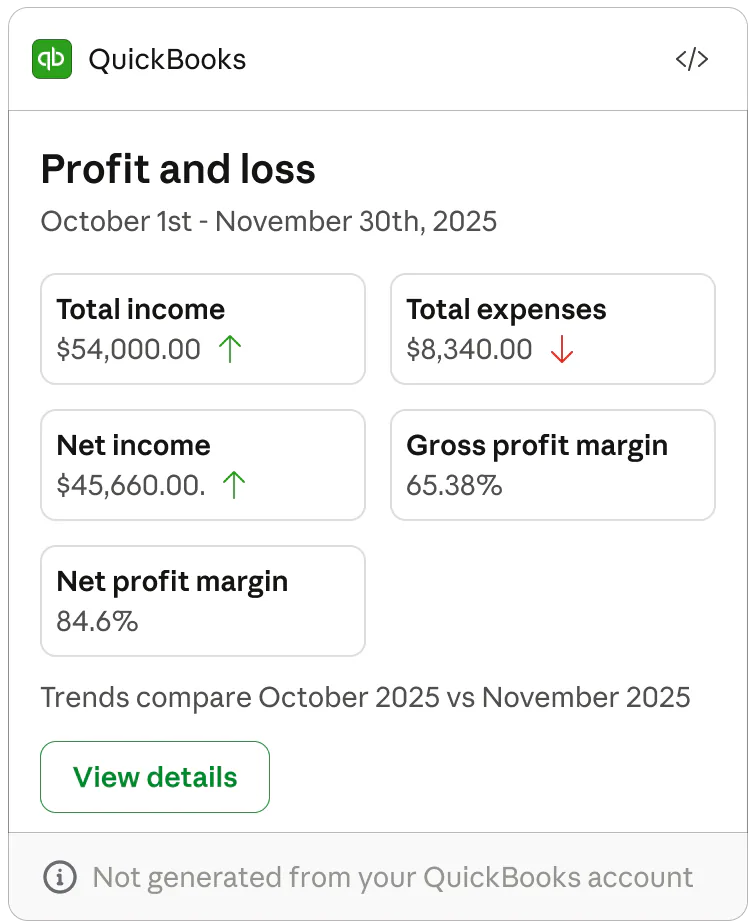
QuickBooks create me a profit and loss statement
Business Finances made simple
Business Finances made simple
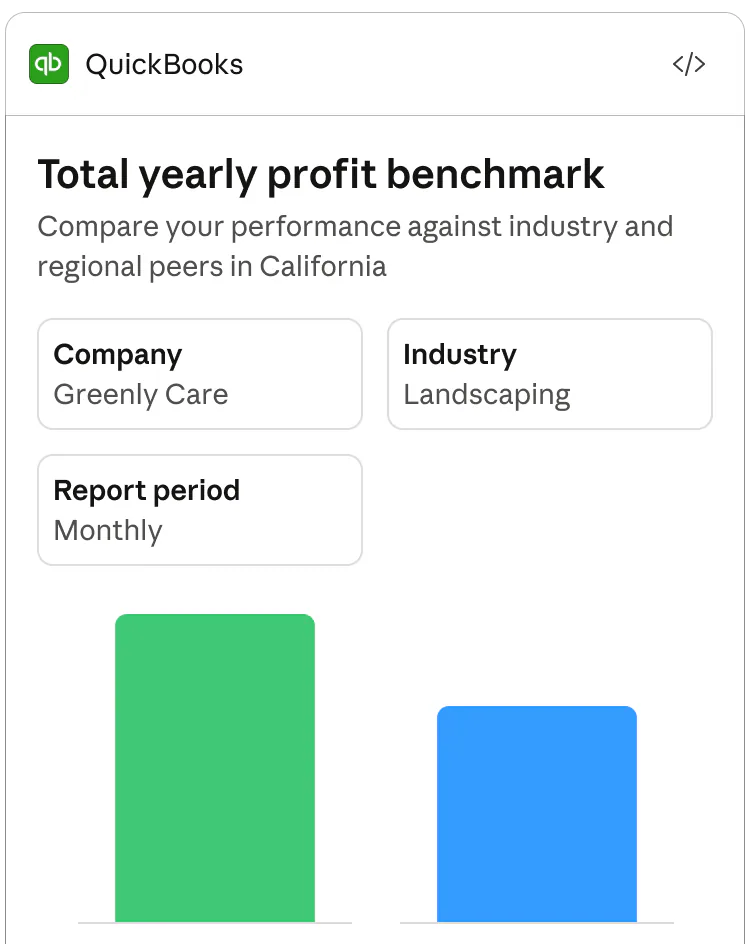
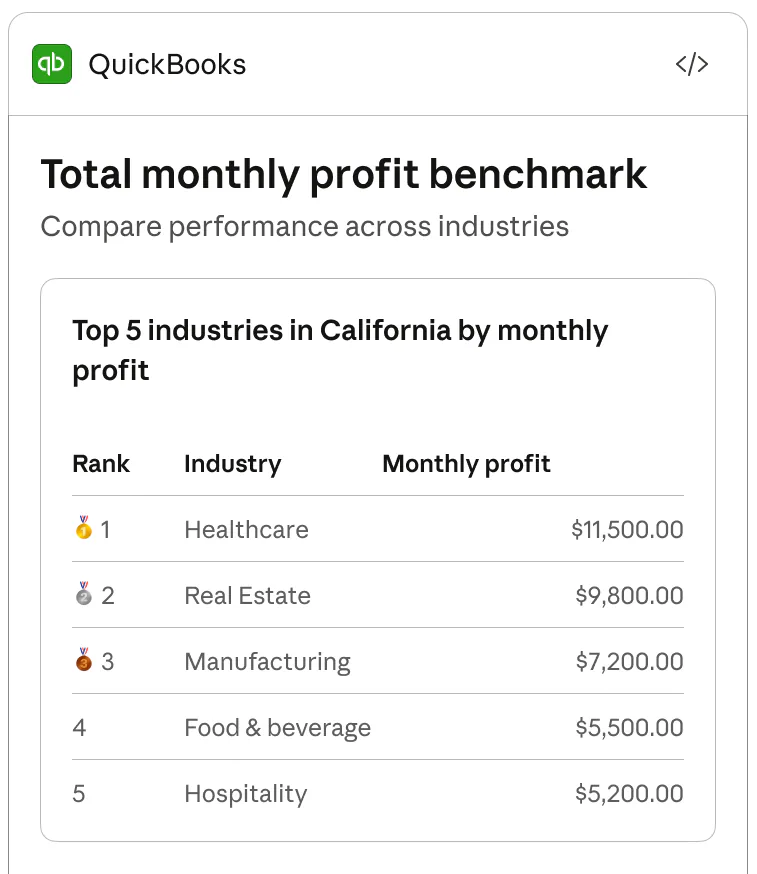
Turn your business's raw financial data into clear financial insights. Analyze profitability, cash flow, and compare your performance against similar businesses in your industry and region. Generate accounting-compliant profit & loss and cash flow statements in minutes. Upload CSVs, PDFs, images, or paste transactions directly into Claude — QuickBooks will sync and analyze your personalized results as your business evolves.
Intuit QuickBooks is an MCP connector for Claude listed in MCP App Store. Use this page to compare the app's platform surface, publisher, auth type, transport, example prompts, and support links before connecting it.
Listed MCP tools include profit-loss-generator, cash-flow-generator, benchmarking-against-industry, profit-loss-quickbooks-account, and cash-flow-quickbooks-account. The primary integration uses none auth and http transport.
Not providedFAQ
Intuit QuickBooks is listed as an MCP connector for Claude. Business Finances made simple.
Open the Claude Interactive Connector link from this listing, then review the app's auth, permissions, and publisher details before connecting.
Listed tools include profit-loss-generator, cash-flow-generator, benchmarking-against-industry, profit-loss-quickbooks-account, and cash-flow-quickbooks-account. Review the tool list and permissions before using write-capable actions.